Fallen Lineage How to Play: Combat and Starter Guide
Fallen Lineage how to play guide: learn combat, choose a class, upgrade skills, compare gear, and redeem codes to get ready for tougher runs with friends.
How to Start Playing Fallen Lineage
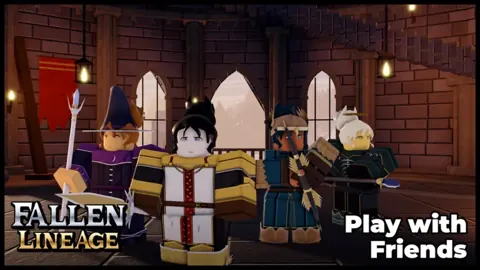
Fallen Lineage lets you adventure solo or in a party of up to four, with turn-based battles that punish careless decisions. This Fallen Lineage how to play guide covers the combat, upgrades, and equipment choices that help you survive longer. Begin with the tutorial, then choose Solo and Normal to learn the basic loop.
Open Fallen Lineage on Roblox, follow the tutorial prompts, and work through the introductory encounters. Early events include defending a delivery against bandits, giving you a chance to practice basic attacks and skills while earning gold and XP.
For your opening sessions:
- Follow the tutorial before exploring other activities.
- Learn what your available skills do.
- Check your health before entering another encounter.
- Review your equipment and available upgrade points after collecting rewards.
The core loop is straightforward: complete battles and events, collect rewards, improve your character, and tackle further encounters. The challenge comes from managing your condition between fights.
Plan Attacks Around Skill Cooldowns
Skills can deal enough damage to defeat early enemies outright, but they have cooldowns. Plan your next action before committing your strongest move.
Use a skill when its damage can help finish a dangerous opponent. While it is unavailable, use basic attacks and watch how much damage you take in return. Against several enemies, focus on finishing a wounded target rather than spreading damage without securing a defeat.
Pay particular attention to these mistakes:
- Expecting repeated skill use: Check the cooldown before planning another cast.
- Ignoring incoming damage: Early bandits and wolves can still put pressure on your HP.
- Continuing with low health: Check your condition after every encounter instead of immediately selecting another fight.
Do not rely on your HP automatically refilling between battles. A victory can leave you poorly prepared for the next enemy, especially if you needed several attacks to finish the previous encounter.
Choose a Class You Want to Learn
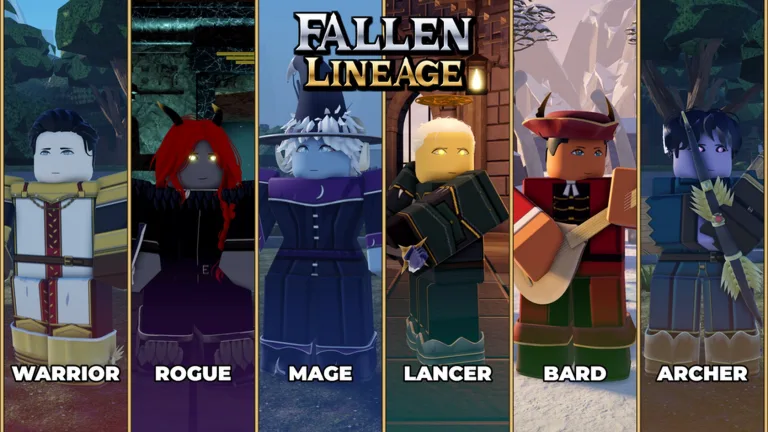
There are six classes, each with a different combat focus. Use those differences to choose a playstyle before spending resources on character changes.
| Class | Combat focus |
|---|---|
| Warrior | Melee combat |
| Rogue | Agile strikes and mobility |
| Mage | Powerful spells |
| Lancer | Thrusting attacks |
| Bard | Support and buffs |
| Archer | Ranged damage |
Try Warrior or Lancer if you want a reliable starting point for learning combat. Choose Bard when you want to support a party, or explore the other classes if their attacks suit your preferences.
Keep your equipment restrictions in mind as you learn. A weapon with a higher damage range is only useful to your current character if that character can equip it.
Spend Points and Use Skill Tree Guides
The November 13 Player Guilds update raised the level cap from 50 to 60 and introduced skill tree codes. These let you share your tree and load another tree as a guide.
Your skill tree uses points, so open it during progression and review what you can afford. Read the available upgrades before spending your remaining points, and check the separate character stats menu as well.
Keep your choices focused:
- Read a skill’s effect before investing points.
- Choose upgrades that support the attacks you actually use.
- Review your stats alongside your equipment.
- Use a shared skill tree as a guide while learning how its choices fit your class.
Skill tree codes are for sharing builds. Enter reward codes through the Shop’s Codes tab.
Compare Loot Before Equipping It
Battles can award weapons and clothing alongside XP and gold. Check new drops regularly, but read their requirements before trying to replace your current gear.
For example, an early weapon comparison includes damage ranges of 11–14 and 17–21. The second range is higher, making it worth inspecting—but compatibility still determines whether you can use the item.
When sorting your inventory:
- Identify whether the drop is equipment or a material.
- Check whether your character can equip it.
- Compare its displayed attributes with your current item.
- Equip a compatible upgrade before your next encounter.
Apply the same checks to clothing. Finding an item does not mean it matches your character type.
Redeem Codes for Extra Resources
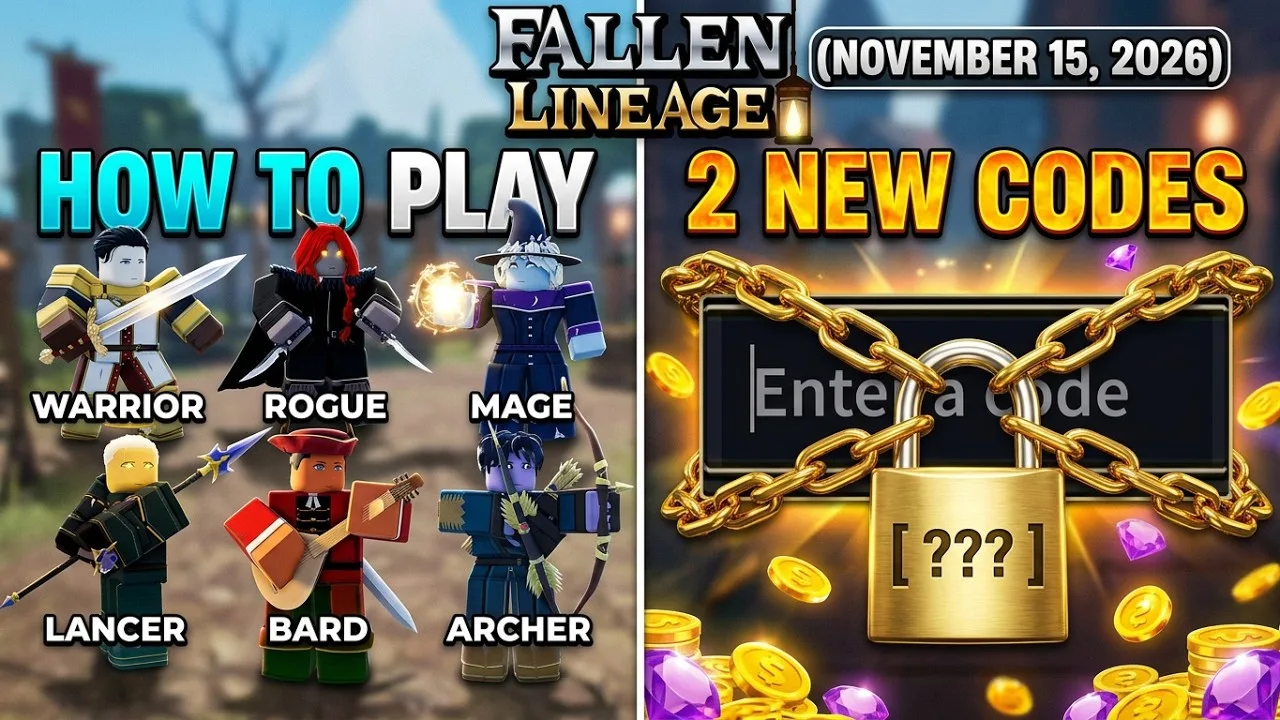
Reward codes offer Reroll Tokens, Lives, and Reset Orbs. Claim them before experimenting with character changes or taking on tougher runs.
| Code | Reward |
|---|---|
400CCU | 3 Reroll Tokens and 1 Life |
UPDATE2 | 2 Reroll Tokens and 2 Lives |
mybelovedcrits | 3 Reset Orbs |
SOMANYSHUTDOWNS | Free rewards |
PARAGUAY | Free rewards |
To unlock code redemption, play for approximately 30 minutes, join the game’s official Roblox group, and like the game on Roblox.
Then:
- Open the Shop using the icon in the right corner.
- Select the Codes tab at the top.
- Enter a code exactly as written.
- Confirm to claim the reward.
Codes are case-sensitive and time-limited. Keep mybelovedcrits lowercase, and check for extra spaces if an entry fails. For newly released codes, try joining a new server after meeting the redemption requirements.
Continue with
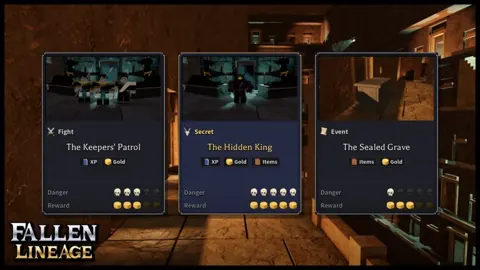 Fallen Lineage Solo Play: How to Start and SurviveMaster Fallen Lineage solo play with tips on Normal runs, skill cooldowns, compatible gear, and health management. Prepare for your next fight on Roblox.
More in Guide
See all GuideContinue exploring
Fallen Lineage Features Guide: Classes, Combat & Loot
Use this Fallen Lineage features guide to learn all six classes, plan turn-based battles, compare loot, and manage upgrades before your next Roblox run.
Fallen Lineage Tier List: Best Classes for Your Run
Use this Fallen Lineage tier list to compare all six classes, find reliable beginner picks, and choose between solo damage and support for your party run.
Join the community
Official channels for news, updates and player help: