Fallen Lineage Roblox Group: How to Join and Use Codes
Find the Fallen Lineage Roblox group, join odanos through the game's page, and learn the code requirements to claim Reroll Tokens, Lives, and Reset Orbs.
Jump to
Which Roblox Group Should You Join?
The Fallen Lineage Roblox group you need is odanos, the game's developer community. Joining it is one of the requirements for redeeming codes, giving you access to rewards such as Reroll Tokens and extra Lives once you've completed the other requirements. Start from the game's Roblox page to find the right community.
Use these details to identify the experience:
- Game name: [🛡️] Fallen Lineage
- Developer group: odanos
To join:
- Open Fallen Lineage on Roblox.
- Follow the experience's creator link to odanos.
- Join the community using the same Roblox account you use to play.
Fallen Lineage and Rogue Lineage are separate games, so check the experience name before joining a community or looking for rewards.
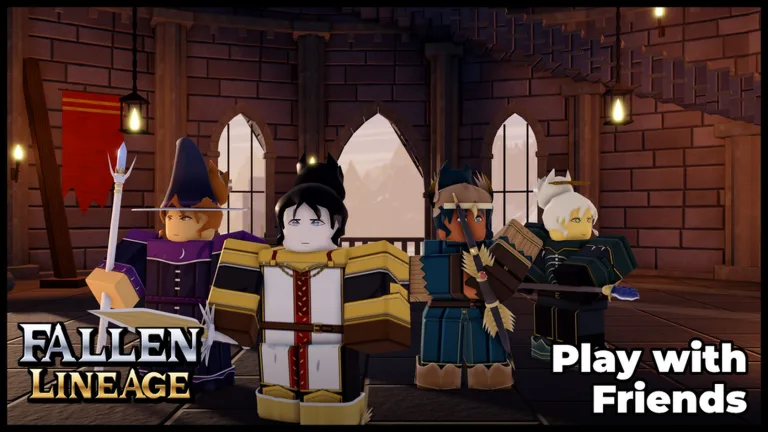
Fallen Lineage is a turn-based roguelite RPG with solo play and parties of up to four players total. That means you can bring three friends into an adventure. The experience supports 20 players per server, but that server limit is separate from the four-player party size. It was created on October 18, 2026, and received an update on November 15, 2026.
How to Unlock Code Redemption
Joining the group completes only one part of the redemption requirements. Before opening the code menu, complete all three:
- Play Fallen Lineage for approximately 30 minutes.
- Join the odanos Roblox group.
- Like the game on Roblox.
Use that gameplay time to learn your character's attacks and skill cooldowns. Encounters include defending a delivery against bandits and fighting wolves, with victories awarding XP and gold. Skills have cooldowns, so plan your turns around their availability rather than expecting to use the same ability continuously.
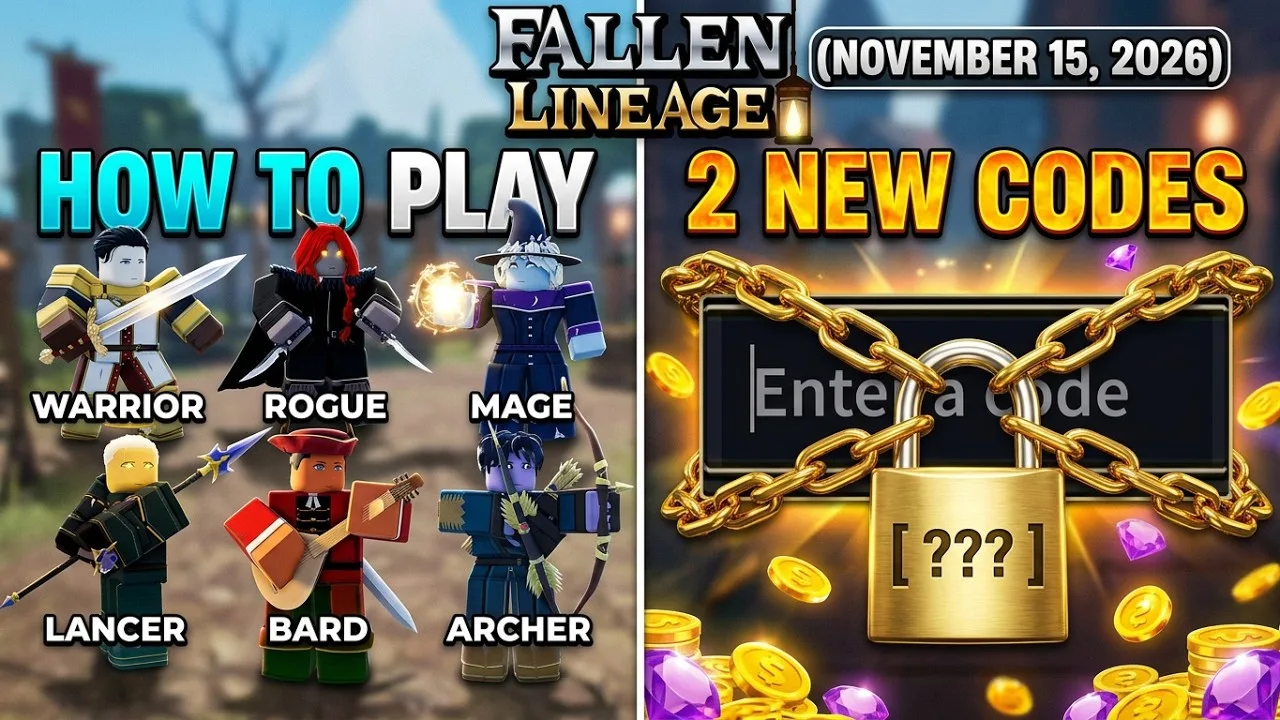
The game features six classes: Warrior, Rogue, Mage, Lancer, Bard, and Archer. Character development includes a skill tree that uses points, along with equipment you can replace as you collect loot. Check equipment compatibility before trying to swap items: a weapon with a higher damage range still needs to suit your character's type.
Once those requirements are complete, launch the game and open the Shop using the icon on the right side of the screen. Select the Codes tab at the top, enter a code in the “Enter a Code...” field, and confirm it.
Copy codes exactly, including capitalization. For example, mybelovedcrits uses lowercase letters, while UPDATE2 uses uppercase letters.
Codes to Try After Joining
These codes offer a useful starting point once you've unlocked redemption. Codes are time-limited, so redeem them before planning around their rewards.
| Code | Reward |
|---|---|
400CCU | 3 Reroll Tokens and 1 Life |
UPDATE2 | 2 Reroll Tokens and 2 Lives |
mybelovedcrits | 3 Reset Orbs |
SOMANYSHUTDOWNS | Free rewards |
PARAGUAY | Free rewards |
Enter each code separately. Use the reward message to see what you've received, especially for codes offering unspecified freebies.
The name 400CCU refers to a milestone of 400 concurrent players. Its reward includes both Reroll Tokens and a Life, while mybelovedcrits supplies Reset Orbs. These codes award different items, so redeeming one doesn't replace the others.
Why Codes Still Won't Work After Joining
If redemption remains blocked, work through the requirements before repeatedly submitting the same code.
- Check the account you joined with. Group membership needs to belong to the account playing Fallen Lineage.
- Complete the playtime requirement. Joining immediately doesn't replace the approximately 30 minutes of gameplay.
- Like the experience. Group membership and playtime are separate from this requirement.
- Check the code's spelling. Remove extra spaces and preserve capitalization.
- Try a new server. Newly released codes can take time to work across servers.
An expired code won't become usable just because you've joined the community. If the requirements are complete and a particular code still fails, move on to another code.
For future rewards, watch the developer's Roblox community announcements and official Discord. Updates and player-count milestones are occasions for new codes, so check those channels when fresh content arrives. Access community links through the game's own Roblox page to keep your route back to the developer straightforward.
Continue with
 Fallen Lineage Visits: Player Counts and Growth StatsExplore Fallen Lineage visits, player counts, and community growth. Learn what the numbers mean, how party sizes work, and what to expect before you play.
More in Community
Fallen Lineage Favorites: Player Stats and Game Guide
Explore Fallen Lineage favorites, player counts, and ratings, plus practical tips for turn-based combat, compatible gear, and solo or four-player runs.
Fallen Lineage Player Count: Online Numbers and Peak
Explore the Fallen Lineage player count, online population, peak players, and party limits. See what the numbers mean before starting your next Roblox run.
Continue exploring
Join the community
Official channels for news, updates and player help: