Fallen Lineage Last Update: November Date and Codes
Fallen Lineage last update: get the November 15 date, recent reward codes, redemption steps, and combat tips for your next solo or four-player Roblox run.
Jump to
When Was Fallen Lineage’s Latest Update?
The Fallen Lineage last update landed on November 15, 2026. Before jumping into another run, claim the recent reward codes and check whether your equipment fits your character. Skill cooldowns and incompatible loot can turn an otherwise manageable fight into a rough finish.
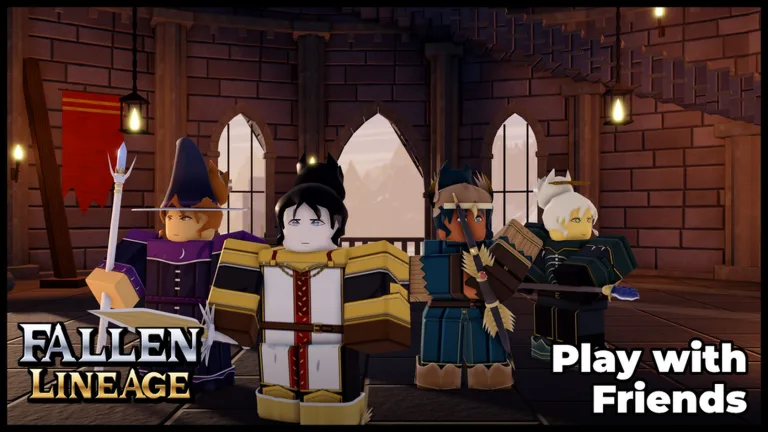
Fallen Lineage is a turn-based roguelite RPG you can play alone or with up to three friends. Although servers support 20 players, an adventuring party tops out at four—keep that distinction in mind when organizing a group.
The game was created on October 18, 2026, and reached a peak of 2,238 concurrent players on November 15. Its developer is odanos, the same group you need to join for code redemption.
You can play Fallen Lineage on Roblox to start a solo run or team up.
Recent Reward Codes and How to Redeem Them
These recent codes offer in-game freebies:
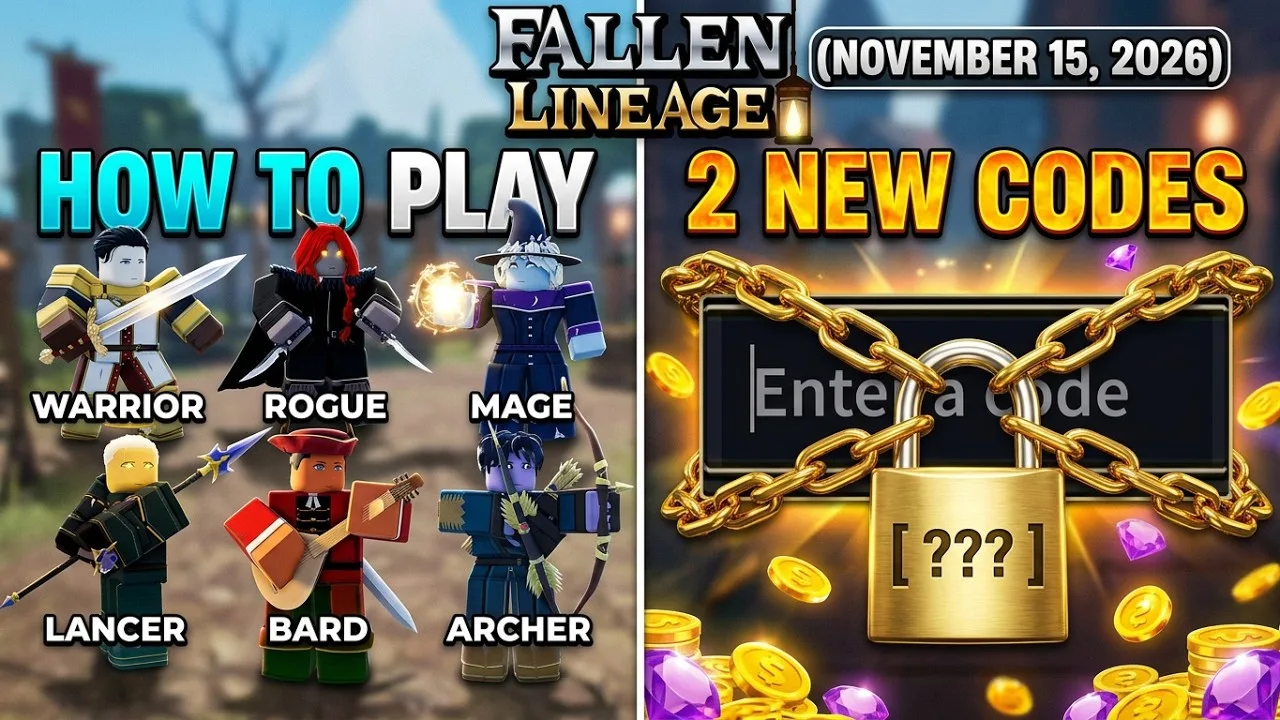
SOMANYSHUTDOWNSPARAGUAYUPDATE2400CCU
Codes are time-limited, so enter them before settling into a longer session. Copy the spelling exactly, including capitalization.
Join the odanos Roblox group before redeeming codes. Group membership is a requirement, so handle that step before trying to claim your rewards.
To redeem a code:
- Launch Fallen Lineage on Roblox.
- Open the Shop section.
- Find the code entry field.
- Enter a code exactly as written above.
- Confirm to claim the reward.
If redemption fails, check your group membership and spelling first. An expired code or one you have already redeemed can also prevent another claim. Avoid repeatedly submitting the same entry without checking those details.
Combat and Equipment Tips for Your Next Run
Early adventures include protecting a delivery from bandits and fighting enemies such as wolves. Winning encounters earns XP and gold, and combat can also award equipment.
The solo setup includes a Normal option. Select solo play, then choose Normal to take that route into encounters. Other events involve helping someone by fighting bandits. Outside those battles, city management includes building and repairing structures. Construction spends money, so watch your funds as you work on the city.
Work Around Skill Cooldowns
Skills can deal heavy damage, but they have cooldowns. Use basic attacks while your skill is unavailable, and check its availability before committing to another encounter.
A delivery defense can pit you against multiple bandits, while wolves can deal heavy damage. Enemies can also hit twice during an exchange. Count the opponents still standing after using a skill, and plan your next attack around the survivors rather than assuming the ability will finish the whole fight.
Watch your remaining HP between fights, too. Finishing one battle does not mean your character is ready for the next; check your health before choosing another event.
Compare Damage and Character Compatibility
Read a weapon’s damage range before switching equipment. A range of 17-21 is higher than 11-14, but damage is only useful if your character can equip the item.
Check compatibility on both weapons and clothing. Some drops belong to a different character type, so a stronger-looking item may not fit your current character. If an item will not equip, inspect that restriction before trying to rearrange it.
Weapons are only part of the inventory to inspect. Combat rewards can include clothing, and the inventory also contains rings and materials. Check an item’s category before trying to equip it; an entry that looks like an accessory can be a material.
Spend Skill-Tree Points Deliberately
Skill-tree upgrades consume points. Review the available options before spending your remaining points, and check your equipped gear alongside your upgrades.
Keep equipment checks part of your routine after earning loot: compare the damage, inspect character compatibility, and equip usable upgrades before heading into another fight.
Continue exploring
Fallen Lineage Roblox: How to Play, Classes and Codes
Start Fallen Lineage Roblox with tips for turn-based combat, classes, gear, and guilds. Learn how to redeem codes for Reroll Tokens, Lives, and Reset Orbs.
Fallen Lineage Code Guide: Claim Free Rerolls & Lives
Use a Fallen Lineage code to claim free Reroll Tokens, Lives, and Reset Orbs. Learn redemption requirements and how to enter codes through the Shop menu.
Join the community
Official channels for news, updates and player help: